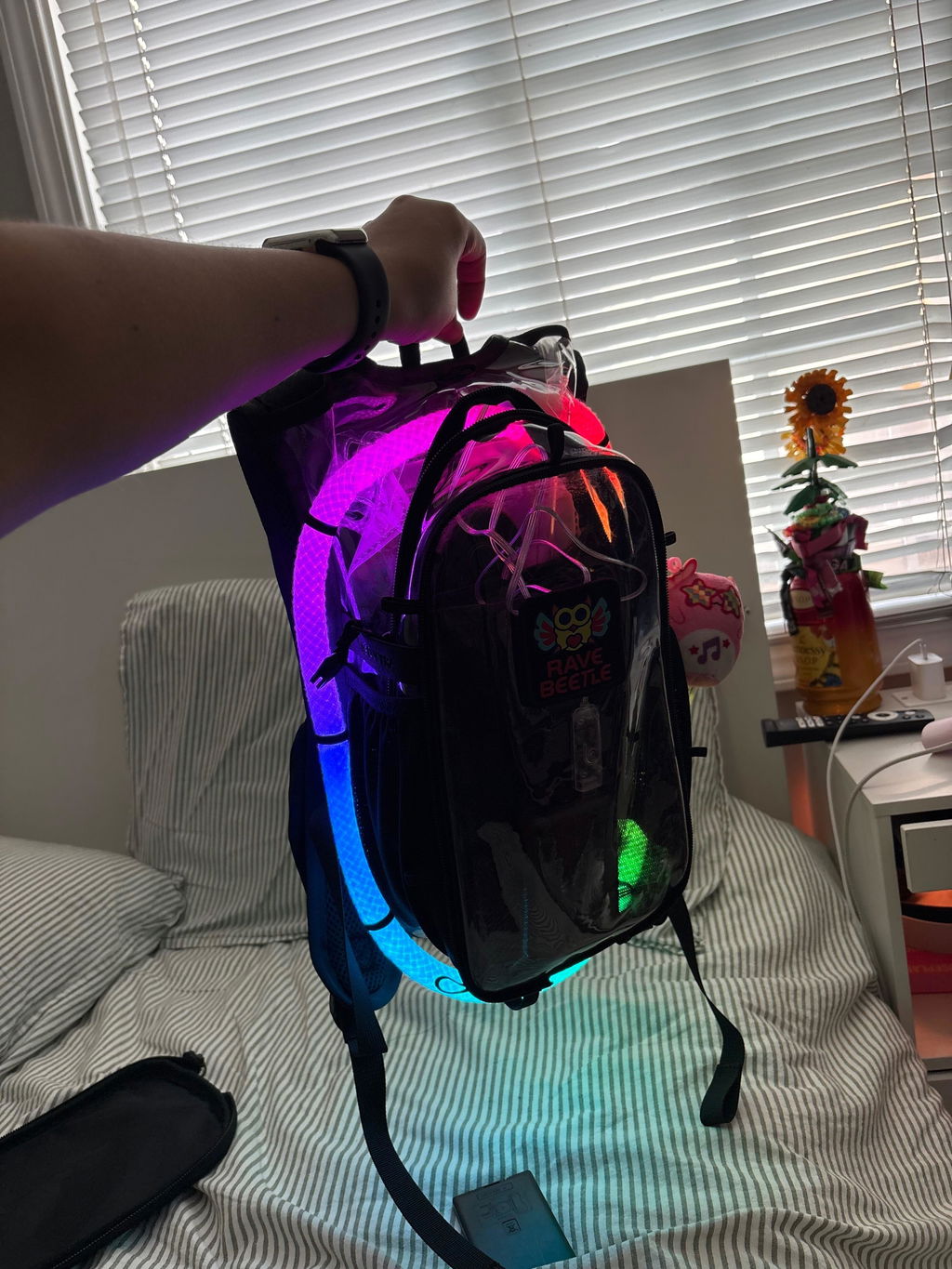
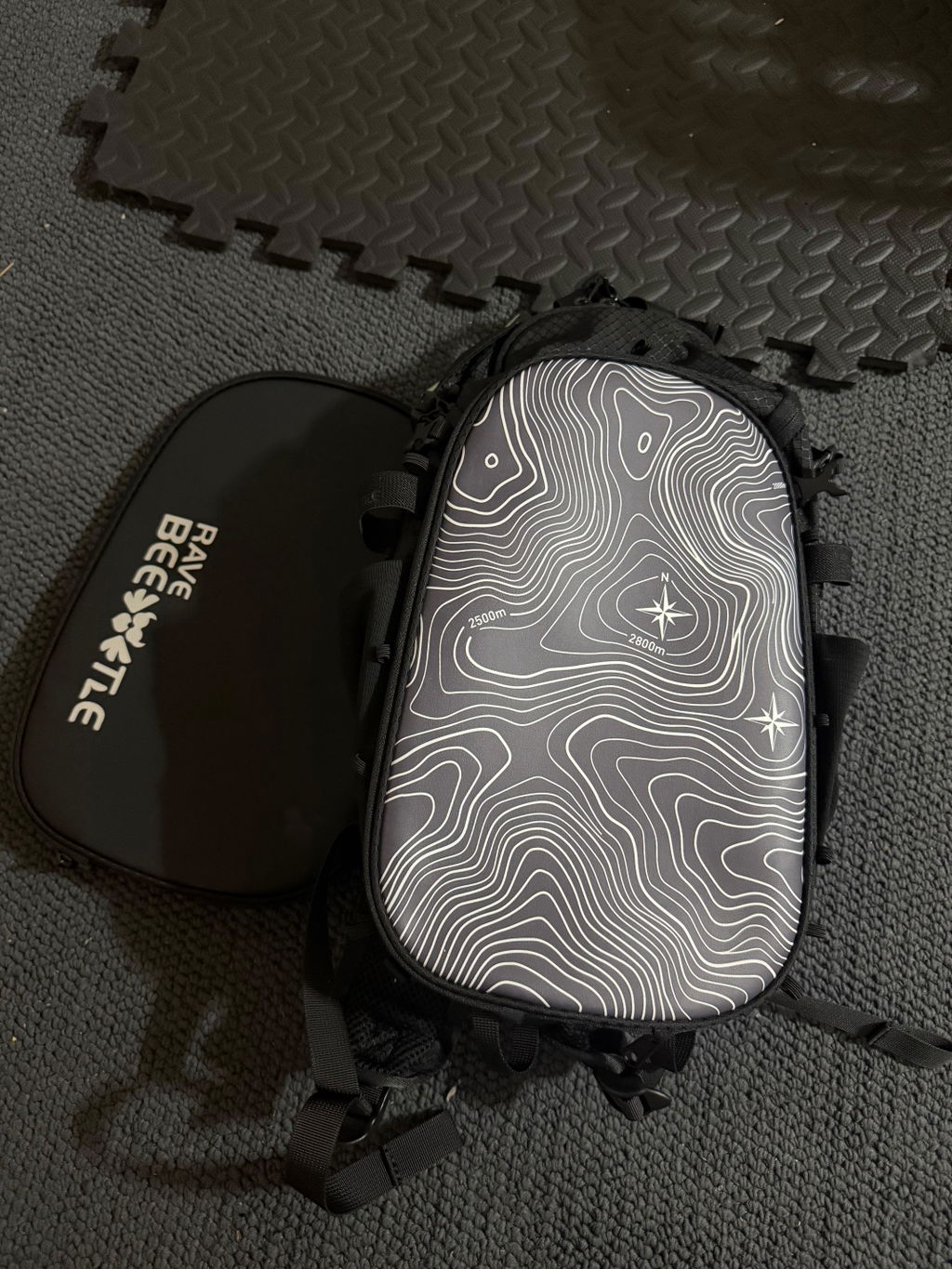
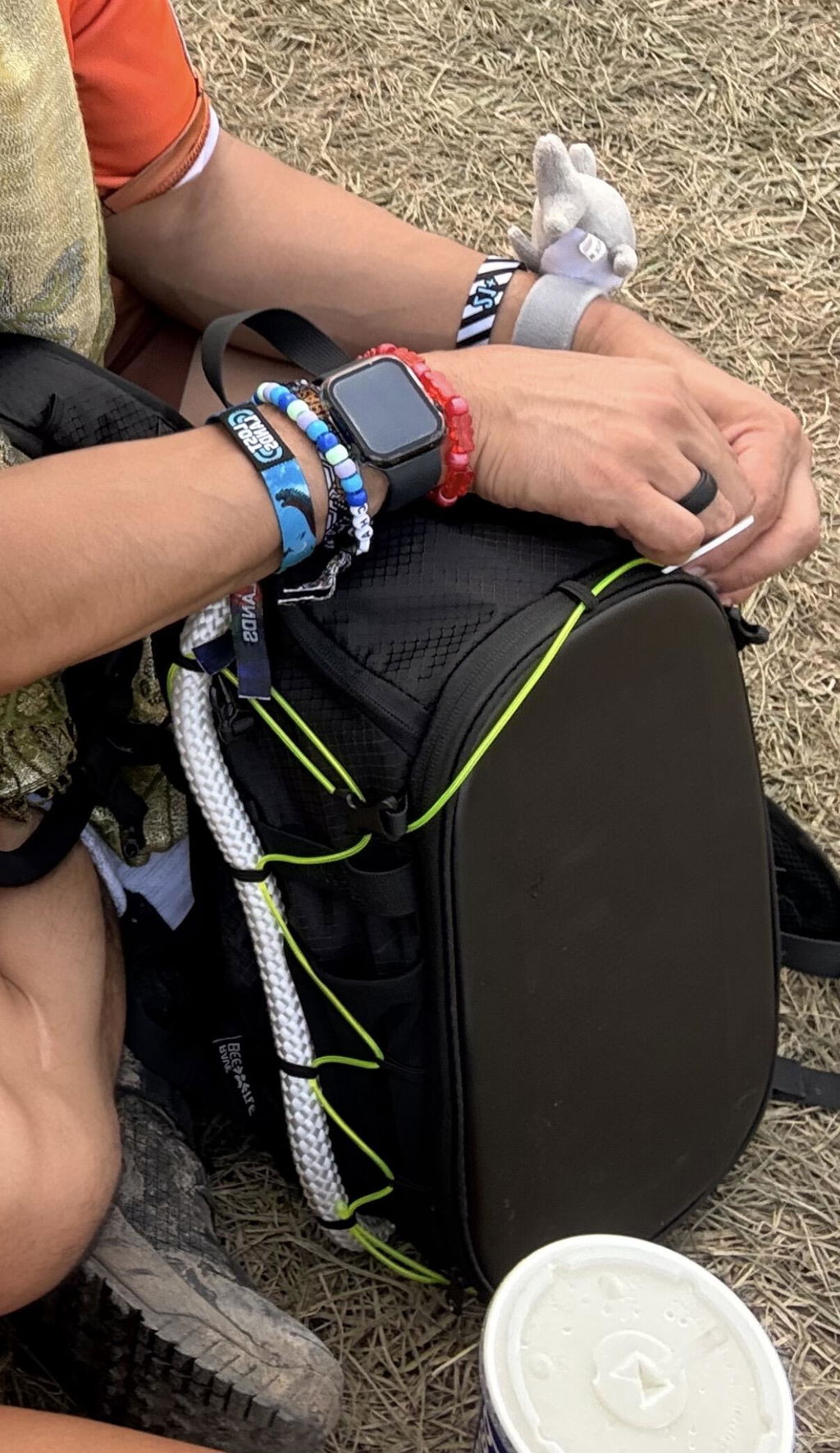
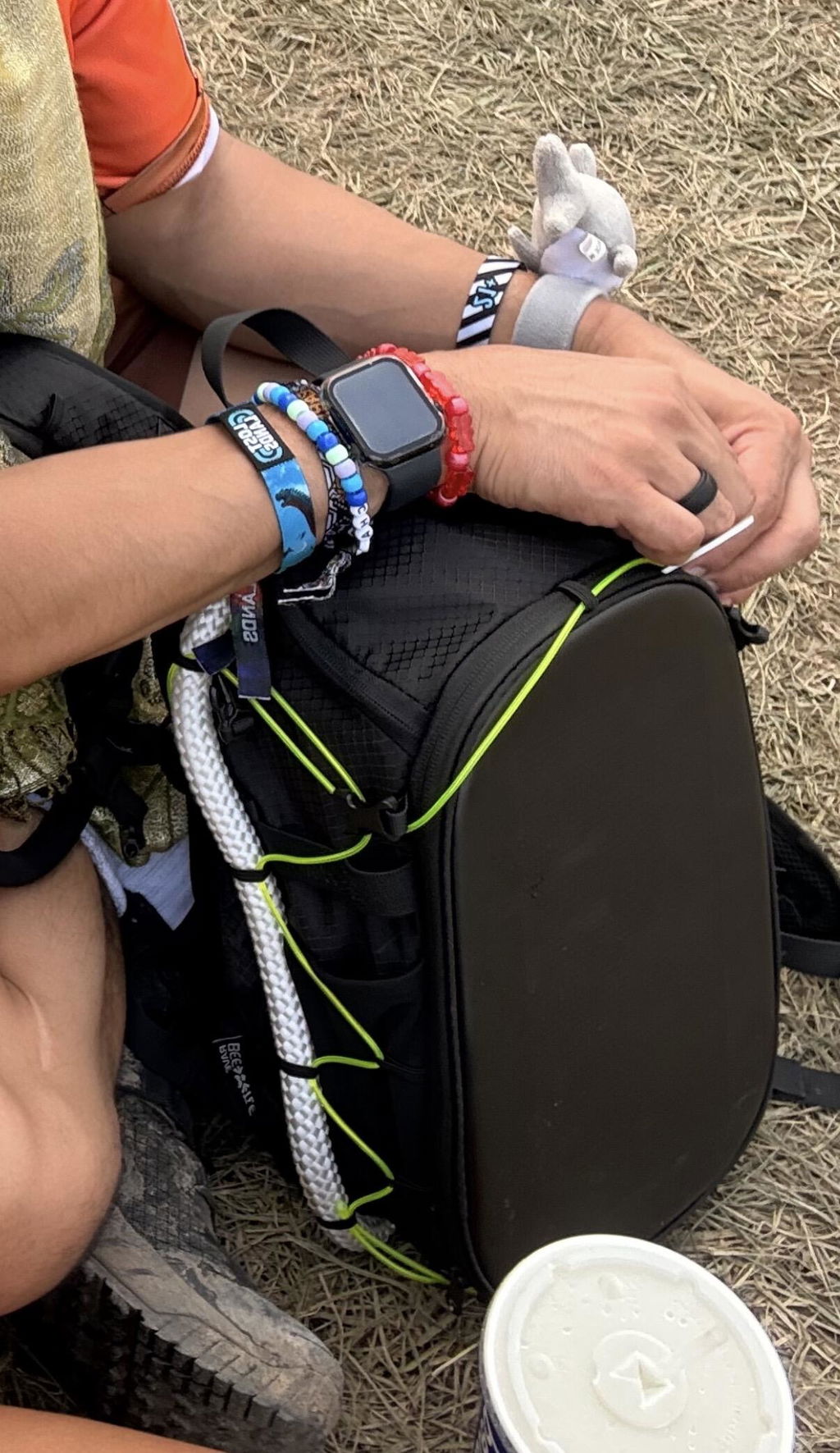
Quick Note: While this guide features the RaveBeetle Elytra AIR Hydro Pack, these LED strip lights are universally compatible with all RaveBeetle packs!
🛠️ Step 1: Prep & Sizing Your LED Strip Lights
Before you start attaching anything, figure out how much glow you want.
-
3 Feet: Perfect for a clean, single wrap around your pack.
-
6 Feet: Ideal if you want to double-wrap it for maximum brightness.
-
✂️ Too Long? No worries! If your LED strip is longer than you need, you can safely cut it shorter along the designated cutting lines.
📲 Step 2: App Download & Setup
To customize your colors, patterns, and sync your lights to the music, you’ll need the controller app.
-
Go to your smartphone's app store (iOS or Android).
-
Search for and download the Surplife app.
-
Open the app, turn on your phone's Bluetooth, and follow the on-screen prompts to pair your LED strip.
Quick Note:You can also control the light modes by pressing the button on the receiver.
🔧 Troubleshooting: Fix "Lights Not Turning On"
If you’ve plugged everything in and your second half of lights won't turn on, don't panic! This is usually just a quick digital configuration issue in the app.
Follow these exact steps to fix it:
-
Open the Surplife app and connect to your device.
-
Go to Settings.
-
Tap on Number of Lights Setting.
-
Navigate to Number of IC Lights Per Segment.
-
Change this number to 160.
-
Press Save.
Your lights should instantly spark to life! You are now ready to hit the festival dance floor. 🚀