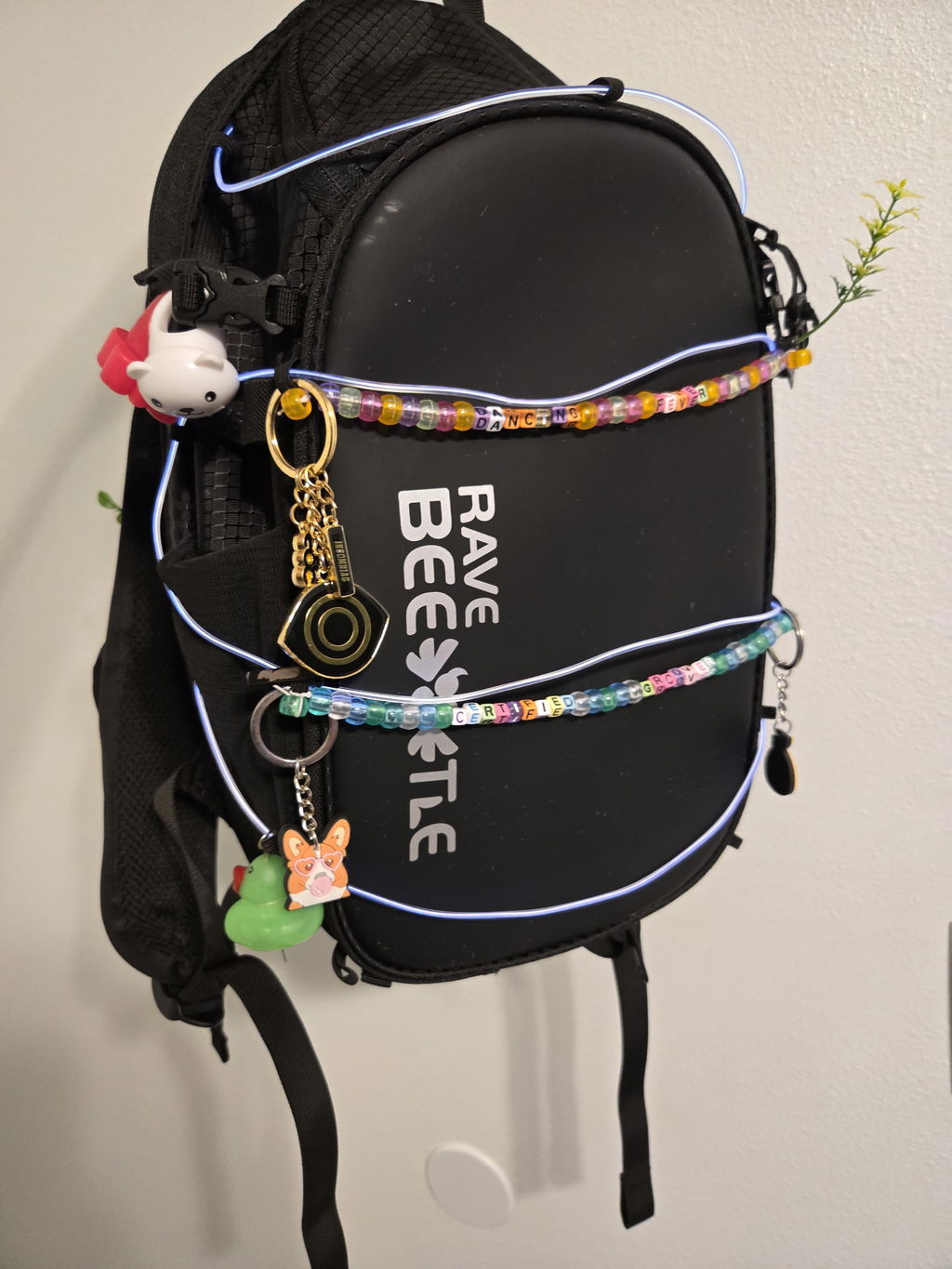
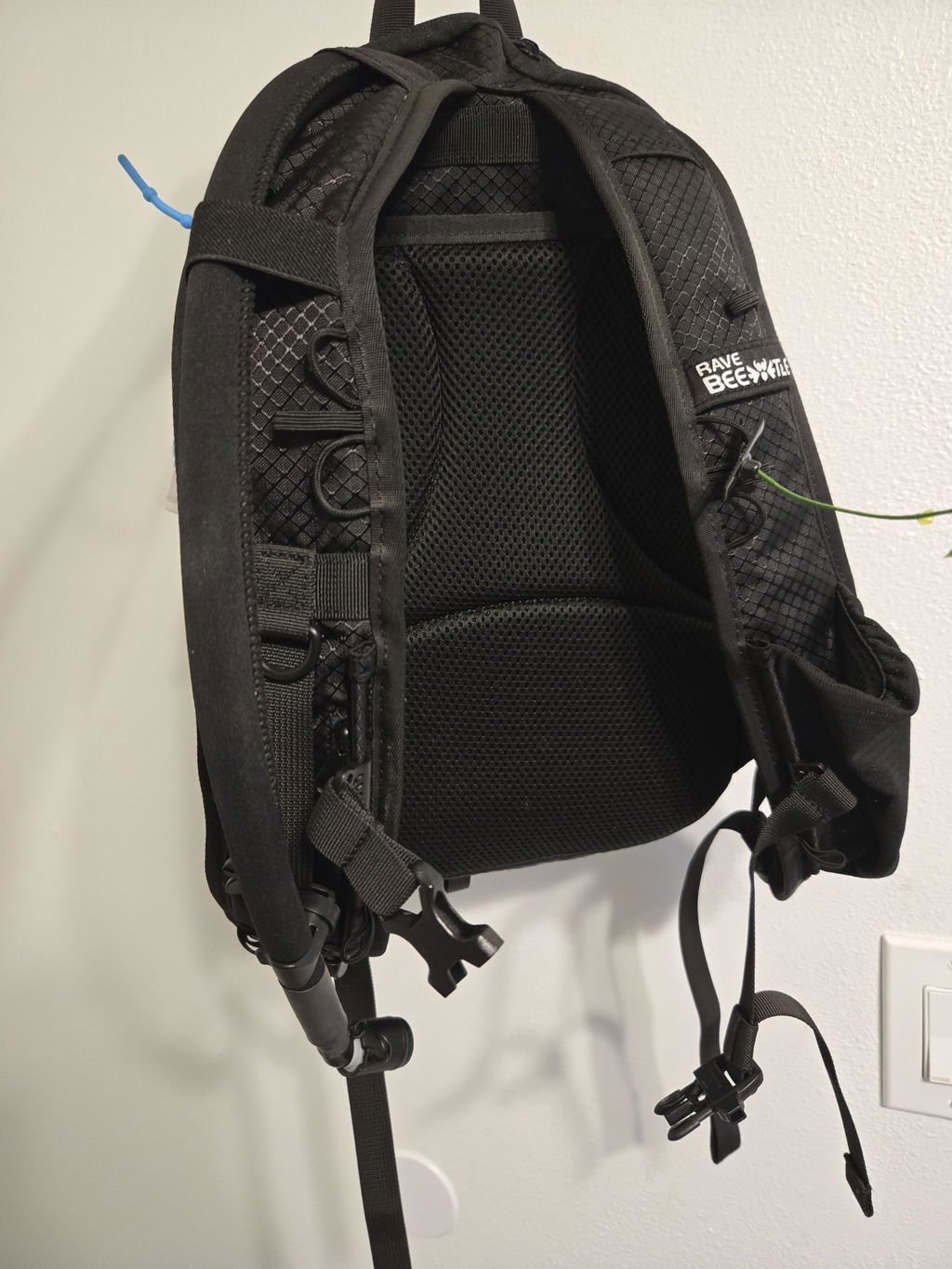
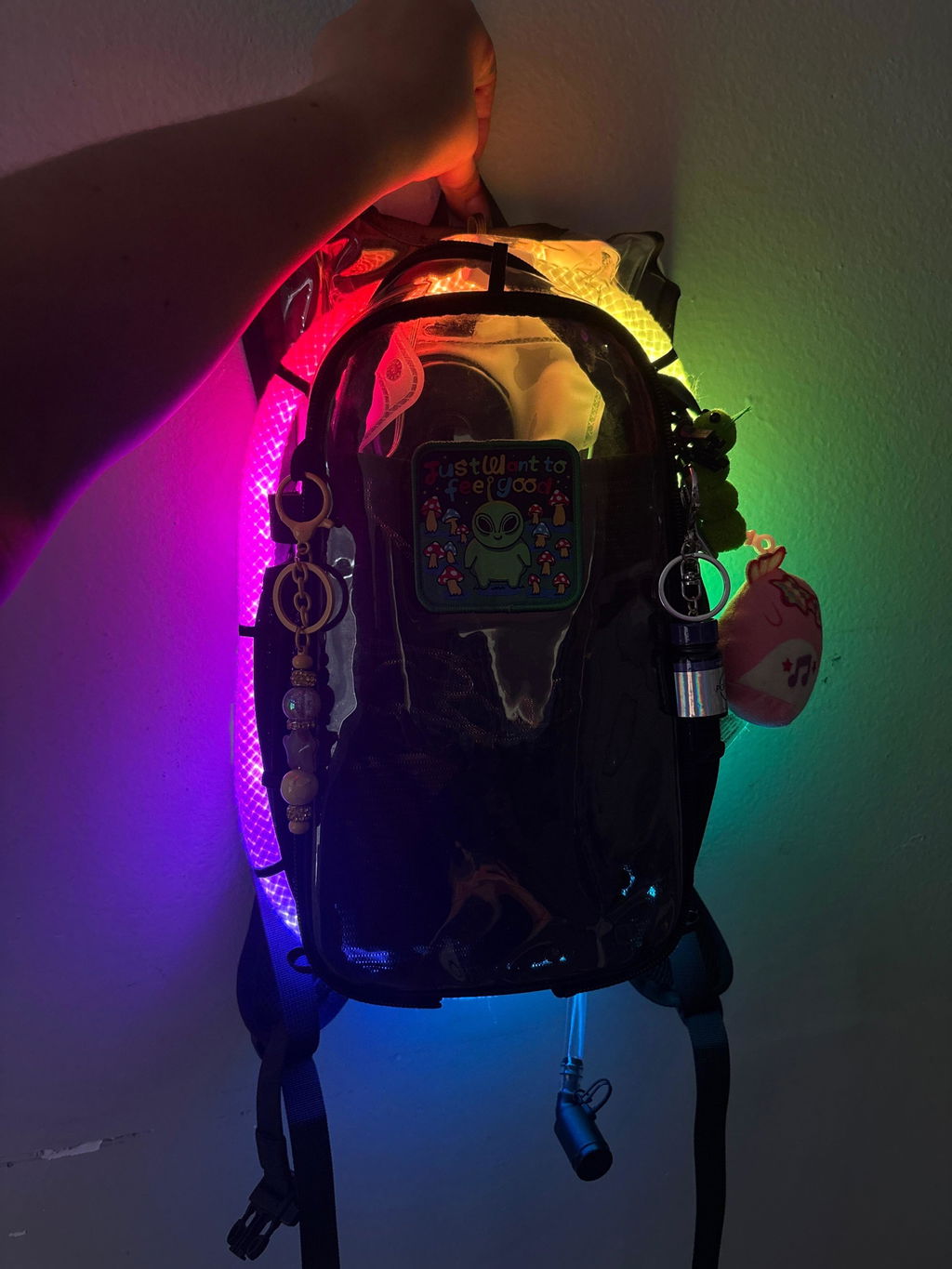
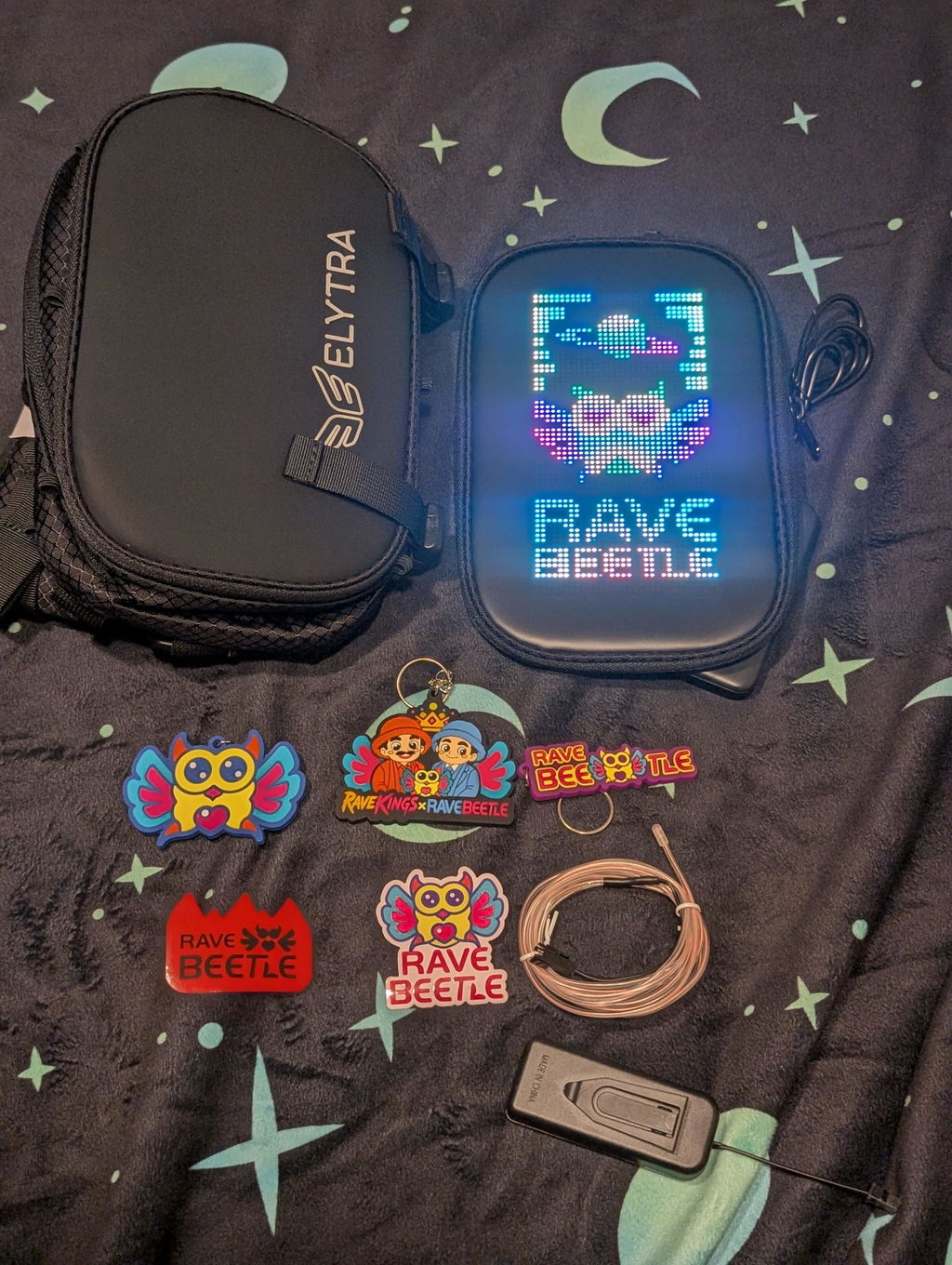
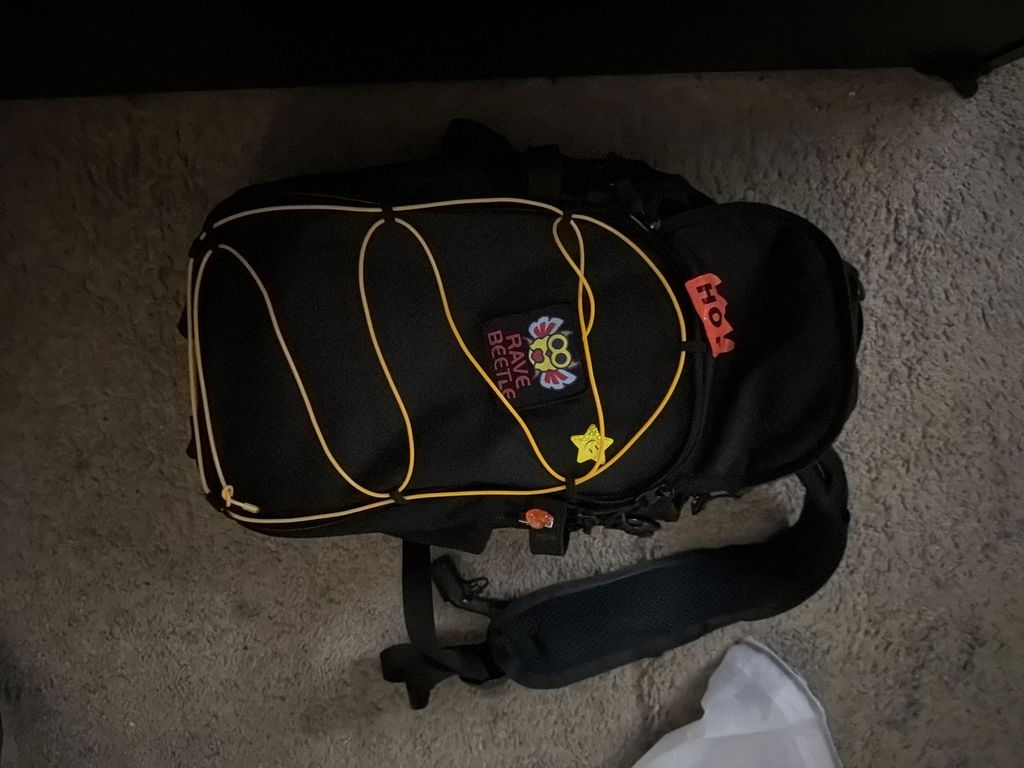
Festival days can be long. Most festivals can easily run around 10 hours or more, and when you are rocking the RaveBeetle Elytra AIR Hydro Pack with the Aura Reflector LED Screen, the experience is next level.
The Aura Reflector makes your pack fun, bright, and full of personality. Whether you are displaying animations, patterns, or your own custom design, it is definitely going to turn heads. When you walk through the crowd, people will notice your pack, and everyone’s attention will be on you.
But with all that brightness and attention, battery life becomes important too.
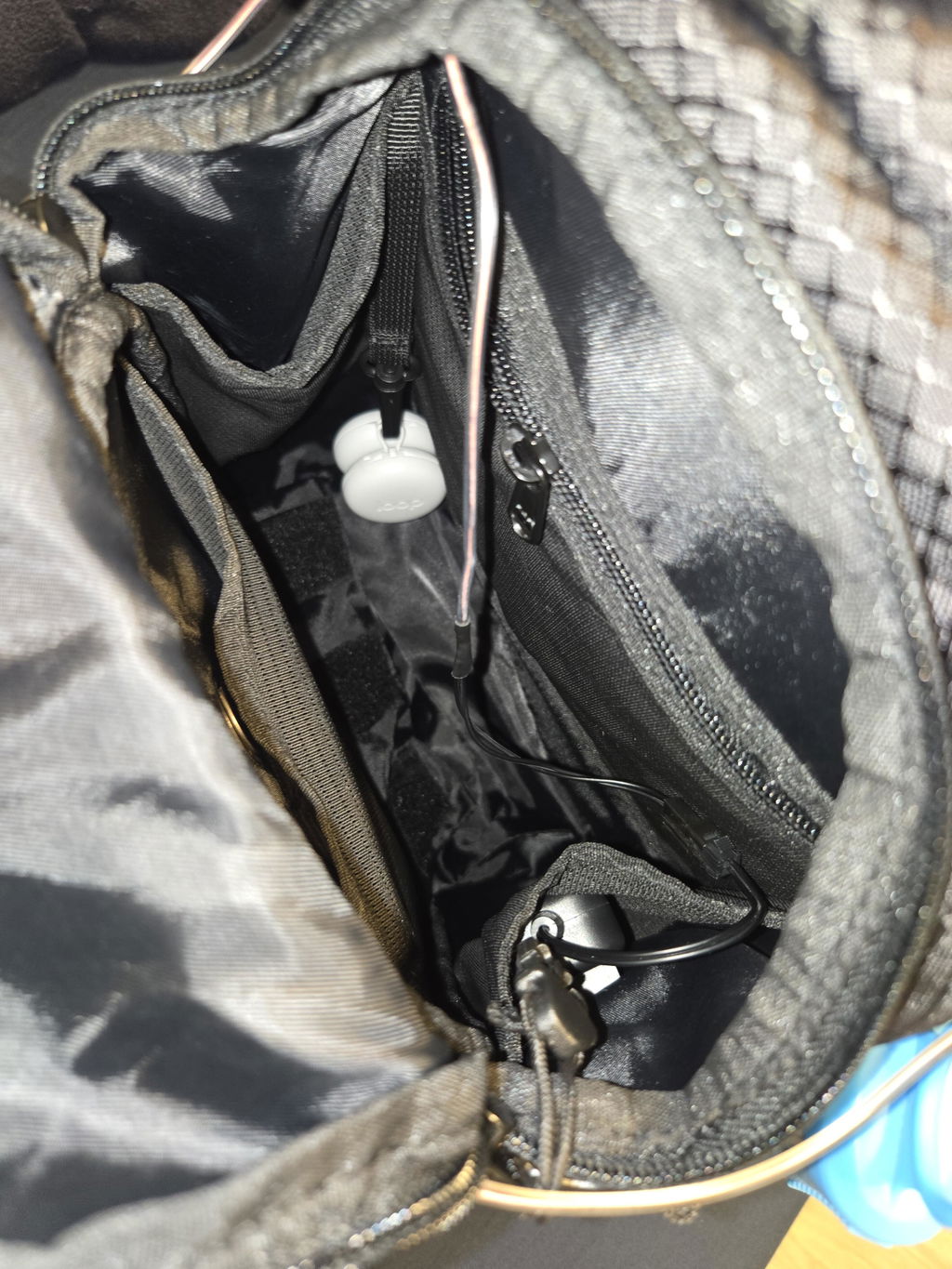
We noticed that many people love using the Aura Reflector 2.0 LED Screen and light ropes, but some users mentioned that when using the RaveBeetle PowerBoost 10000mAh power bank, the battery may only last around 5 hours when everything is running at full brightness.
So in this guide, we want to show you a simple trick to help your PowerBoost 10000mAh last much longer possibly up to 12 hours and longer depending on the light mode, brightness setting, and usage.
The key is simple: adjust the brightness.
Many people think the brightness needs to be set at 100%, but is that really necessary?
The answer is no.
Setting your Aura Reflector or light rope to 100% brightness is usually way too bright. Not only does it drain your battery faster, but it may also be too strong for the people around you and could hurt someone’s eyes in a crowded festival environment.
For the best experience, we recommend turning the brightness down to around 20%–30%. This is still bright enough to enjoy the lights, but it helps save battery and makes the lighting more comfortable for everyone around you.
This guide works for:
How to Adjust Brightness for Aura Reflector 2.0
The Aura Reflector 2.0 and Light Rope uses the Surplife app.
Once you are connected to your Aura Reflector 2.0 in the app, you will see a brightness adjustment bar at the top of the screen.
Simply tap the brightness control and adjust it down to around 20%–30%.
That’s it. Your Aura Reflector 2.0 is now set to a lower brightness, which can help reduce power usage and extend your power bank battery life.

How to Adjust Brightness for Light Ropes
This section works for light ropes such as:
-
Neon Rope
-
Fuzz Rope
-
LED Strip Lights
Inside the app, go to “Scenes.”
For this example, we will use Christmas Lights as the light mode.
Select “Festival,” then choose “Christmas 1.”
At this point, you are using the default Christmas 1 light mode. By default, the brightness is usually set to 100%.
To adjust it, press and hold “Christmas 1,” then select “DIY.”
 Now you will see that this light mode is made with a total of 5 colors. Each color is set to 100% brightness by default, so you will need to adjust the brightness for all 5 colors.
Tap each color one by one and lower the brightness to around 20-25%.
After you finish adjusting all 5 colors, tap “Save” to save it as your DIY light mode.

Now your light rope is set to a lower brightness level and will use less battery while still giving you a great lighting effect.
Final Tip
Once both your Aura Reflector 2.0 LED Screen and light rope are set to around 20%–30% brightness, your PowerBoost 10,000mAh power bank should last much longer compared to running everything at 100% brightness.
This simple setting can help give your power bank a much longer lifetime per full charge, so you can enjoy your lights through the festival without worrying about the battery dying too early.
Lower brightness, longer battery life, and a better experience for everyone around you.